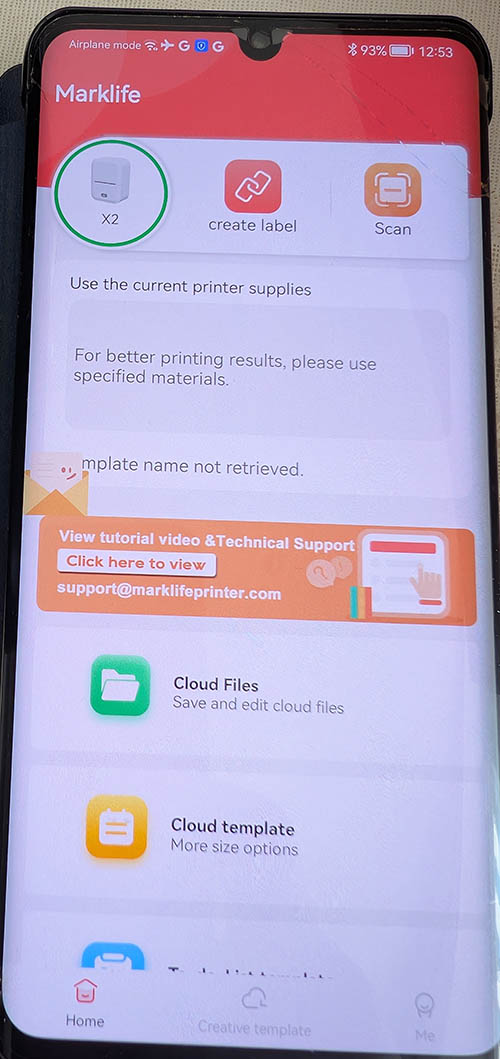
Label makers / Thermal label printers
I bought my first label maker many years ago. A Brother with a keyboard on the machine itself. It's still a good
choice if you are not comfortable with computers. No computer skill needed. I can let people borrow it to make a
quick label.
My next was a Brother P-cube. This one you need a phone to operate, and the tape is sized up to 12mm, and you can
buy many types of tape. But the main advantage for me was the ability to create labels with several lines of text.
I used that for years to make labels with phone numbers to put on things when I traveled.
Eventually I discovered there were travel printers as well as label printers with many different sizes, not just 12
mm tape. I bought two printers, the 300dpi Paperang (which hasn't been used nearly enough) and the best label printer brand at the time, Niimbot B21.
At some point I discovered that the Niimbot could not print on non original labels, and the original ones can be
expensive. I didn't do anything then, because I had a fairly good selection of label rolls. Years later I needed a
new size labels, because I had started 3D printing, and I wanted labels that fit my swatches and the 3Dprinterprofiles
labels. At that point I started looking into buying a new one.
I originally wanted a Phomemo, a brand that didn't appear to be market leading at the time I bought the Niimbot, but
is favored right now among the users of 3Dfilamentprofiles. I would have liked to buy the M260, the latest model. But
I don't know if it's open or locked to RFID, so it was again down to M110 or M220. But I decided on buying a Marklife
because it's cheaper. The X2 has an RFID reader, like Niimbot, but the listing didn't mention that, and I thought there
were printers that didn't have that "feature". I was wrong. DO NOT buy the X2 unless you are OK with that.
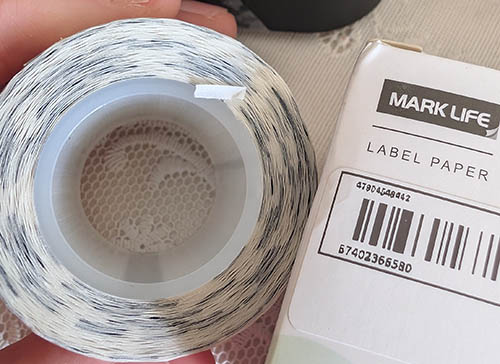
I bought another Marklife roll, thinking I would then have one more roll compatible with the X2. Nope! If you have
that printer, only buy Marklife rolls that says it's for that printer specifically. My new roll did not have an RFID
chip, so it can not be used with the X2.
So I bought the P50. The X2 has a better roll alignment. The same as on the B21. The P50 has an older mechanism that's
manual. But it's completely open. It can use any roll of labels that fit. Quality varies quite a bit. The originals,
either brand, are often better. I have unoriginal ones that will not be water proof and are much thinner. They are
matte, and you may have to adjust the settings to get good prints.
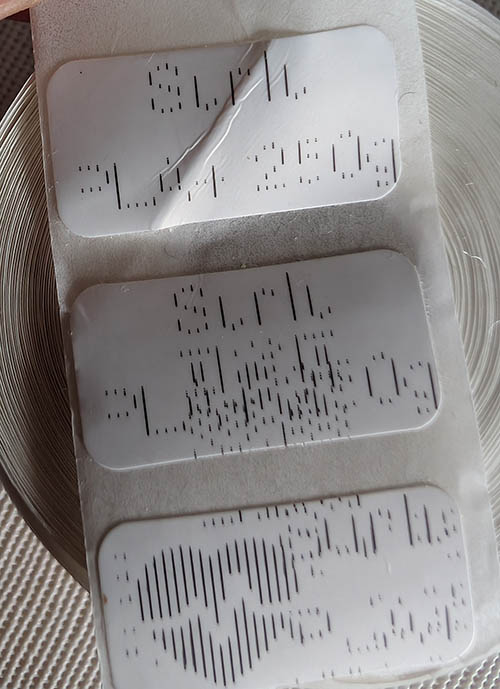
Here are some of the gotchas I've discovered since owning the Marklife X2:
When it prints on unoriginal rolls, or Marklife rolls without a matching RFID tag, it will print very faintly (likely the
temperature is dropped to achieve that) and it prints every other line. Also, when I dropped in my one RFID roll, it
also printed badly. Turns out it hadn't read the RFID, and I didn't realize. So before you start making a label, make
sure it's read the RFID and presented the right size label. Only then will it print correctly.
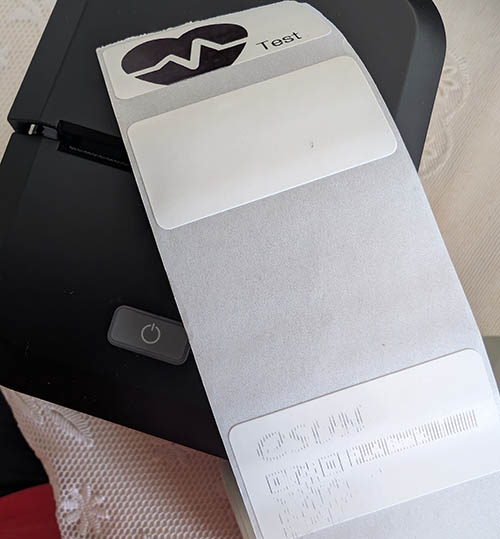
When I was discussing label printers with Gemini AI, we discussed the fact that Gemini thought Marklife compressed images
and didn't have good print quality. I saw a bar code printed on a youtube video that did not turn out perfectly. Gemini
recommended using a Github project, but it did not work with Marklife X2. It supposedly works with Marklife P50. The main
reason many people use these is because the Marklife app demands way too many permissions, and is considered a security
risk. My ISP blocks all the domains the app draws assets from, unless I disable that filtering. After some back and forth
it transpired that if you make the image before and just drop it into the app and don't change the dimensions too much
(I use a 40x25 3Dfilamentprofiles image on 40x20 labels, and it works), the app won't compress them. Taking into account
the security issues, I installed the app on a private space on my phone. Many newer phones have that feature, so as long
as you don't have too much stuff you need to put on it, this is a good way to handle this app.
There is one thing worth noting. The Marklife app has gap or no gap option. That means it can print on paper similar to
the Paperang. But it looks as though max width is 50, not 57 like the Paperang. I checked, and you can find 50mm paper
easily. Worth thinking about if you need both in one unit. My Paperang has 300 dpi, and you can easily see the difference.
Worth thinking about, though.